
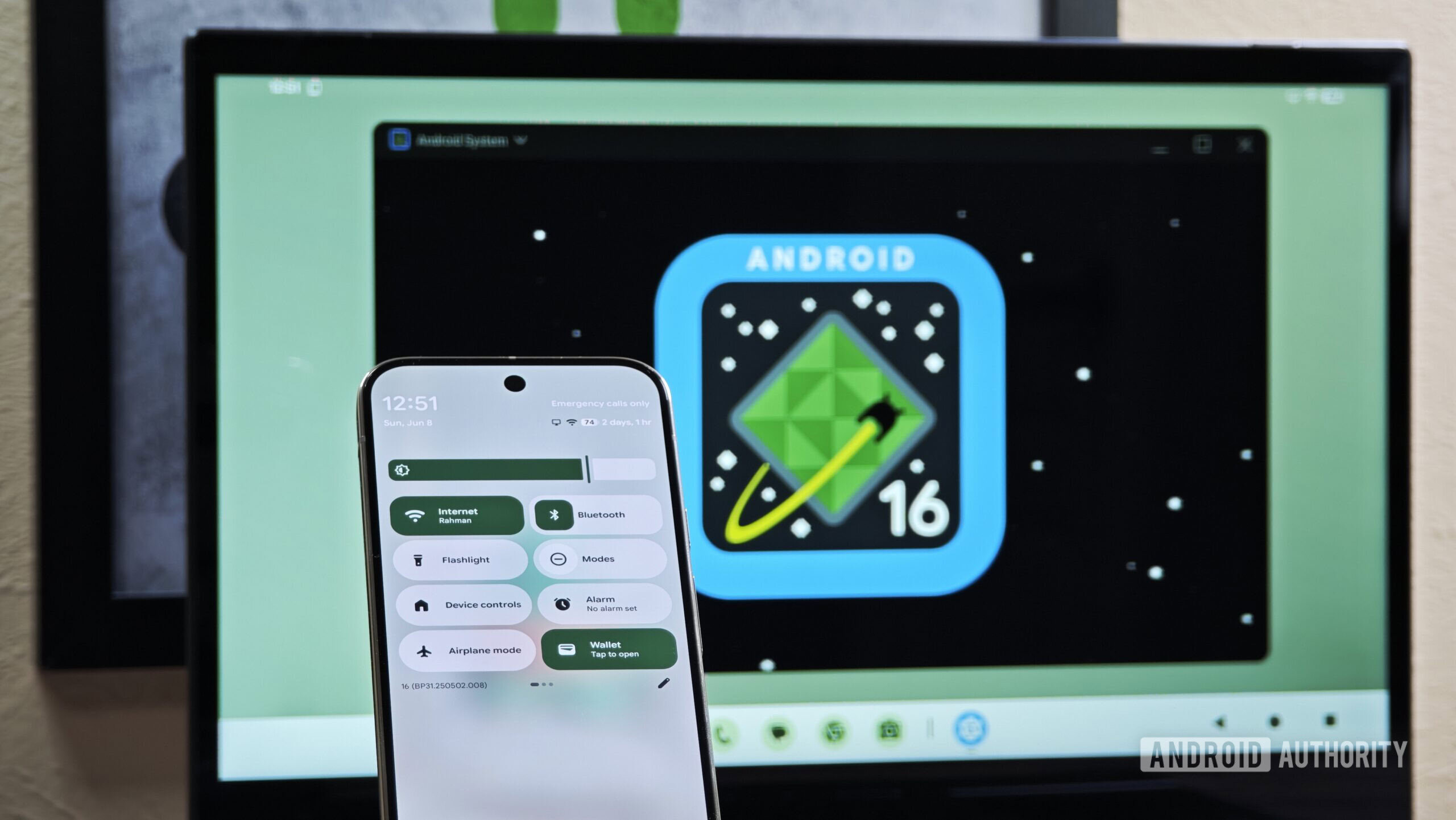
Credit: Mishaal Rahman / Android Authority
TL;DR
- After months of testing, Android Desktop Mode finally arrives with the March Pixel Drop.
- Pixel 8 and newer models can connect to external displays via USB-C for a full desktop experience.
- The mode supports multi-window apps, keyboard and mouse, and more.
After months in beta testing, Android’s Desktop Mode is finally ready for prime time. Now that the March Pixel Drop is here, Pixel owners can connect their handset to a compatible external monitor via a simple USB-C cable and enjoy a fully fledged Android desktop experience.
The desktop Pixel experience supports multi-window apps, just like on your regular laptop or PC, along with a familiar desktop and dock interface. These are the very same apps already installed on your phone, just scaled up for the big screen. If you’re looking to be productive, desktop mode also supports wired and wireless keyboards and mice, and a selection of other standard peripherals.