
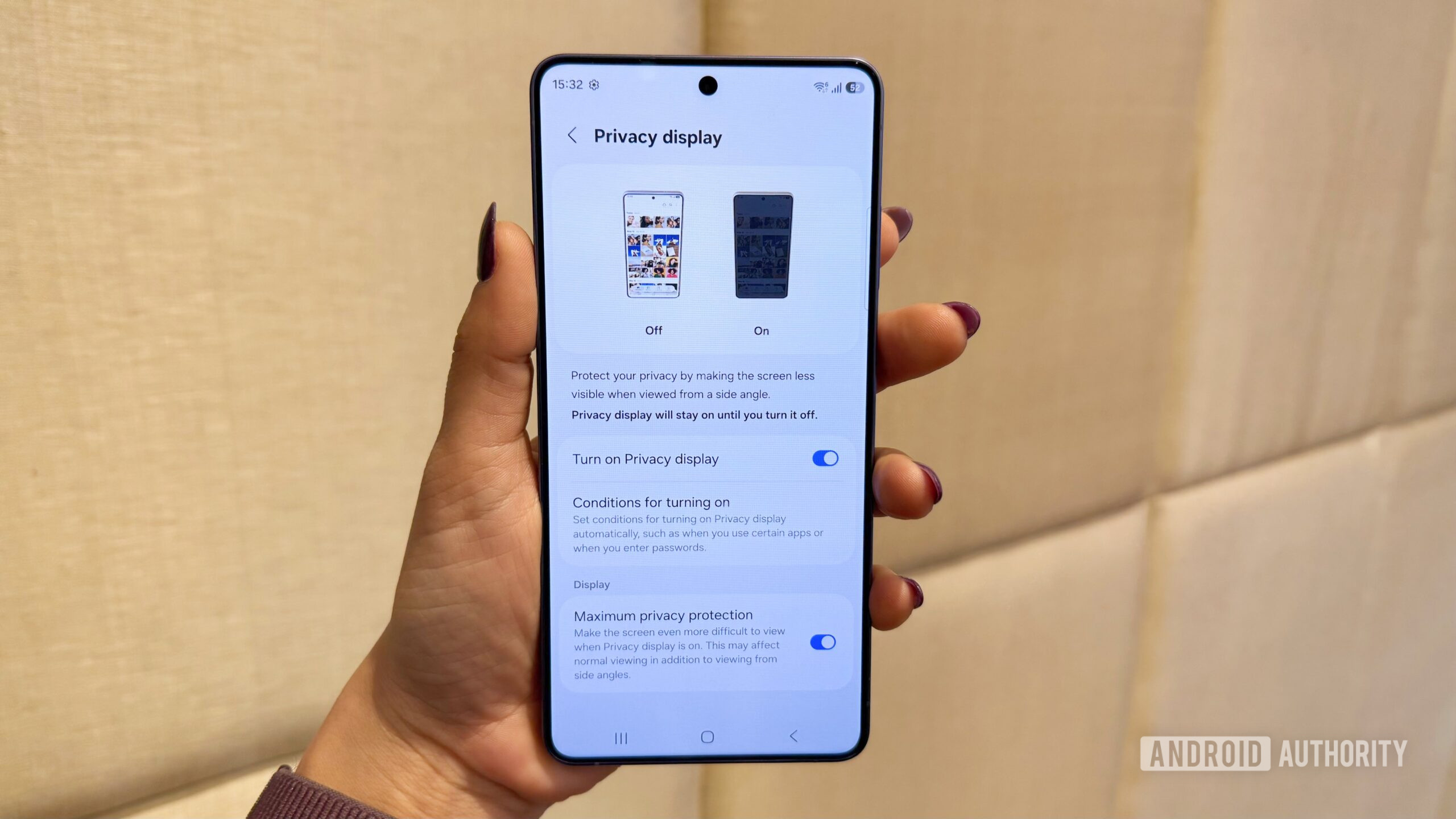
- The Galaxy S26 Ultra’s Privacy Display is a hardware-level feature that controls light dispersion at the pixel level to hide screen content.
- While physical privacy screen protectors offer better side-angle “blackout,” they suffer from permanent screen dimming and come with a rougher matte texture.
- Samsung’s solution allows users to toggle privacy for specific apps or screen areas, making it a superior experience despite a slight privacy trade-off.
One of the biggest selling points of the Galaxy S26 Ultra is the new Privacy Display feature. This is a hardware-level feature that controls how light is dispersed by the display’s pixels. But just how well does Privacy Display work, and can it give privacy screen protectors a run for their money? My colleague C. Scott Brown applied an expensive and branded privacy screen protector to a Galaxy S25 Ultra and compared it to the Privacy Display feature on the Galaxy S26 Ultra. Here’s our experience:
As Scott notes, the privacy screen protector actually did a better job of preventing people from seeing what was on the screen. However, the Galaxy S26 Ultra is much nicer to actually use, as privacy screen protectors have a matte texture that doesn’t let your finger glide across as smoothly as bare glass.