
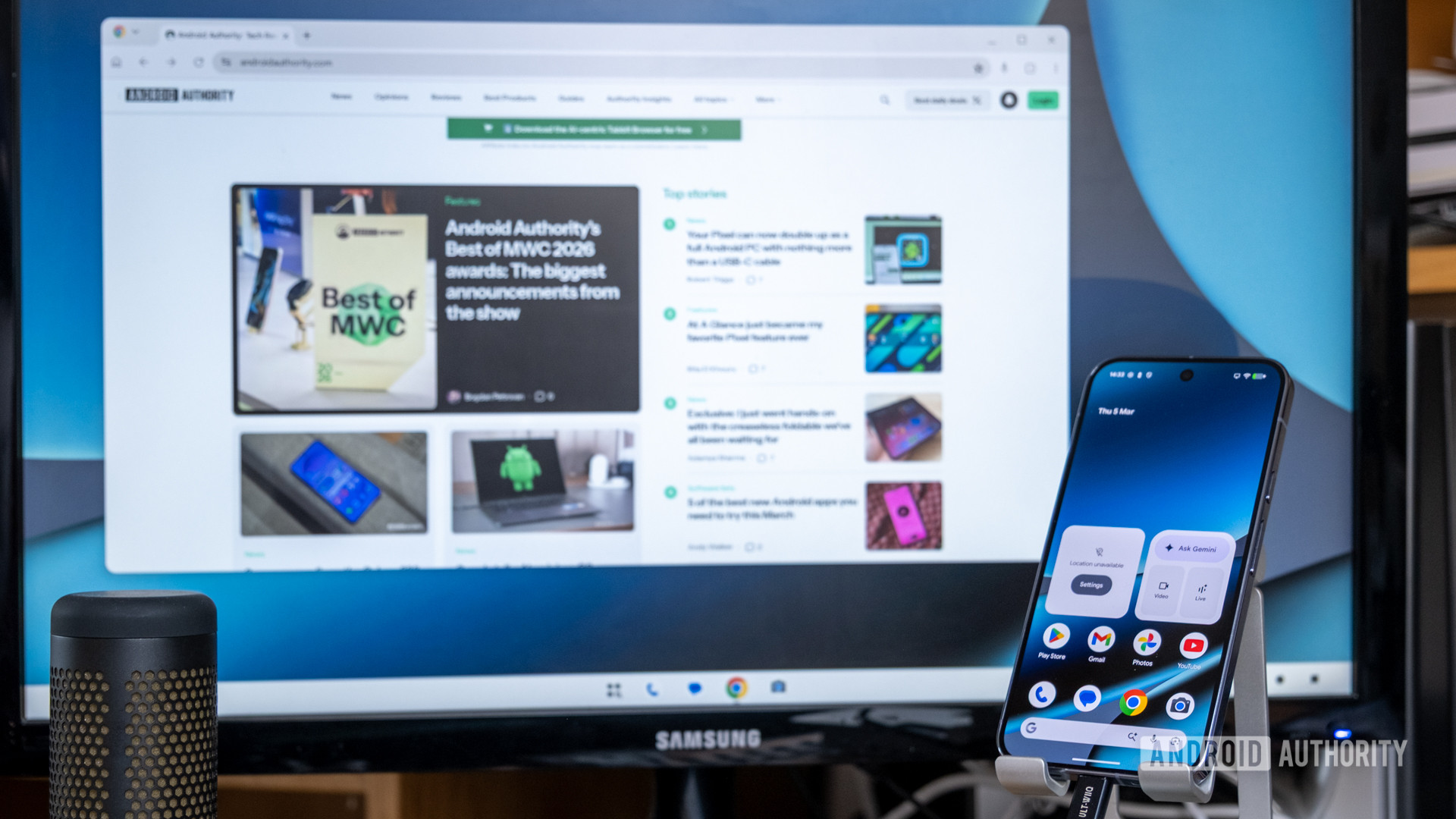
While there are many great new features in the March Pixel Drop, I’ve been most excited about the new desktop interface. It’s super simple to get started with, transforming your Pixel phone into a PC interface with just one cable. Just plug your phone into an external monitor via USB-C or DisplayPort, and you’re good to go.
Android’s desktop interface will feel familiar to anyone who has used a traditional desktop platform. Apps pop up in movable windows, with a traditional dock at the bottom that houses favorite and currently running apps. More unconventional are the back, home, and recents navigation buttons at the bottom right. Though if you’re still using buttons rather than gestures on your Pixel, you’ll feel right at home with these controls.