
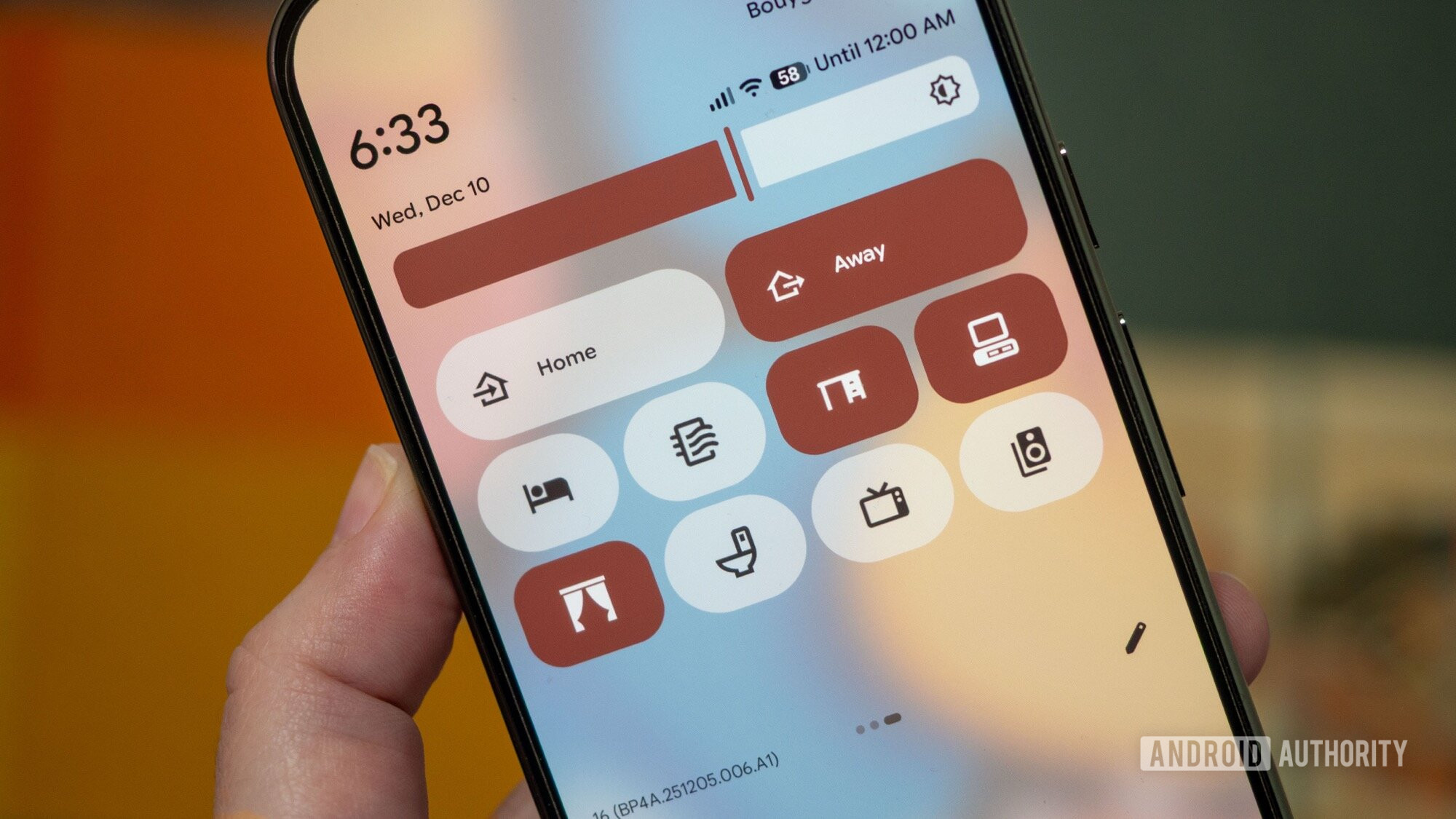
Android 16’s first major update made me fall back in love with Quick Settings. After Android 12 took away the smaller toggles and switched to the large pill-shaped buttons in the name of Material You, I started using Quick Settings less and less. See, any time a button is hidden away from my eyes and requires more than one or two swipes or taps, I just forget it exists. And this is what happened for me with Quick Settings on Android 12 to 15; I set up the ones I used the most up front and forgot about the rest.
Android 16 QPR1 brought the ability to collapse each large pill into half its size and thus fit more toggles on one screen, and that’s what I immediately did. I now had more space to try new things with Quick Settings, like launch apps or start actions inside apps, but I blanked out for a while, not finding the right way to use the extra space. That is, until I realized that the action I needed the most is to control my smart home in general, and my standing desk in particular.