
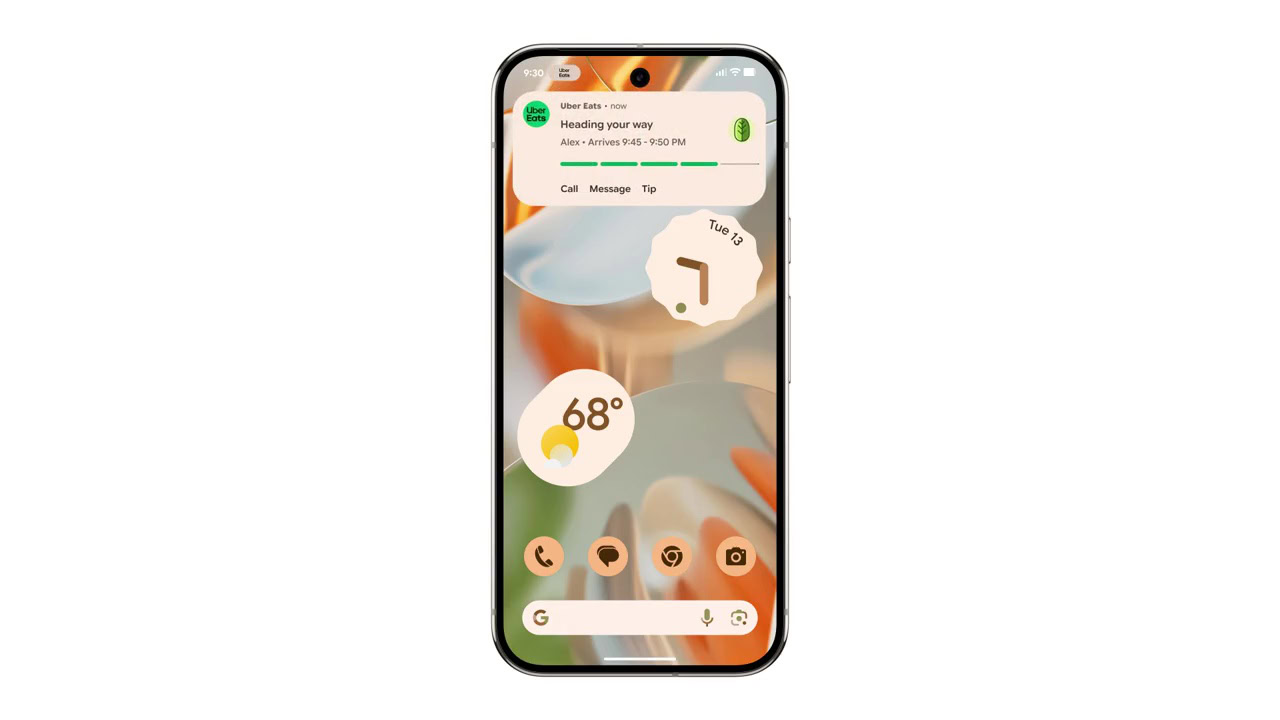
- Google is rolling out subtle visual upgrades to Live Updates on Android.
- With the latest Android Canary build, we’re seeing a slightly wider progress bar for Live Updates.
- The update also brings a more noticeable button to take actions on Live Updates.
Google introduced Live Updates with Android 16 last year. In Google’s own words, Live Updates are a special class of notifications that provide real-time activity updates via a horizontal progress bar. The floating notification expands around the selfie camera in a fashion somewhat similar to Live Activities in iOS. While the feature was initially proposed for food delivery or ride-hailing apps, Google later began testing it for Google Maps, just to show you the different segments of the route split by traffic density. With the latest Android Canary build, we’re seeing more updates to the notification.
We’ve recently spotted a new design for live updates. There are no major changes, but the update appears to be intended to make the progress bar more prominent, and these changes are consistent across the home screen, notification shade, and the lock screen, as you can see below: