
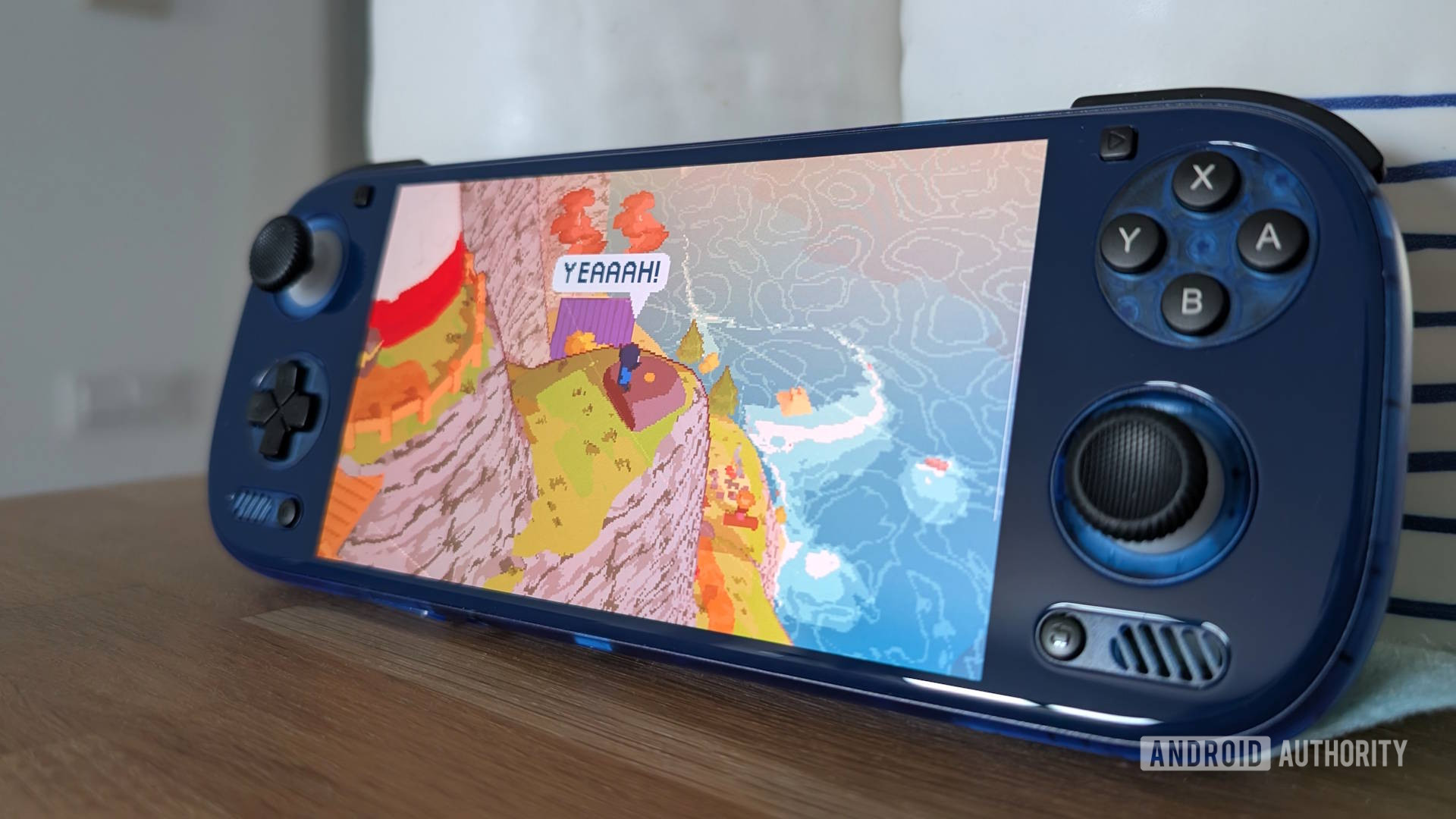
- The PC emulator GameNative released a nightly update with support for Epic Games Store games.
- It allows you to log in to your Epic Games account to browse and download games on your Android device.
- Support is still experimental, and multiplayer games are not working.
The age of PC emulation on Android is upon us, with new translation layers and software allowing you to play Steam games on your phone or Android gaming handheld without any fuss. Now, for the first time, you’ll also be able to play titles from the Epic Games Store library, thanks to a nightly update from GameNative. And if you’re like me, that amounts to literally hundreds of free games claimed over the years.
While support is still experimental, the setup is fairly straightforward. After you install the latest GameNative nightly update, open the settings and scroll down to Epic Games Integration. From there, it will open a browser where you can log in to your Epic Games account. Then, you need to copy an authentication key, paste it into GameNative, and it should automatically populate your game list (give it a minute if you have 500+ games like me).